Host your website on a VPS for faster page loads & full control
Give your websites dedicated RAM, pure NVMe speed, and room to host unlimited domains without per-site hosting fees.
Give your websites dedicated RAM, pure NVMe speed, and room to host unlimited domains without per-site hosting fees.

Compare Website VPS plans by CPU, RAM and storage, then choose one that fits your workload.
| Plan features | VPS S | VPS M | VPS L | VPS XL | VPS XXL |
|---|---|---|---|---|---|
First 3 months | $5.36/month | $11.36/month | $19.52/month | $35.84/month | $57.28/month |
Then per month | $6.70/month | $14.20/month | $24.40/month | $44.80/month | $71.60/month |
First quarter | $16.08 | $34.08 | $58.56 | $107.52 | $171.84 |
Then per quarter | $20.10 | $42.60 | $73.20 | $134.40 | $214.80 |
Annual renewal | $72.36/year | $153.36/year | $263.52/year | $483.84/year | $773.28/year |
CPU | 3 vCPU | 6 vCPU | 8 vCPU | 12 vCPU | 16 vCPU |
RAM | 6 GB | 16 GB | 32 GB | 64 GB | 128 GB |
NVMe disk space | 50 GB | 100 GB | 200 GB | 400 GB | 600 GB |
Bandwidth | 5 TB | 20 TB | 30 TB | 50 TB | 80 TB |
IPv4 | Included | Included | Included | Included | Included |
IPv6 (Frankfurt & Dallas) | Included | Included | Included | Included | Included |
DDoS protection | Included | Included | Included | Included | Included |
Full root access | Included | Included | Included | Included | Included |
99.99% uptime SLA | Included | Included | Included | Included | Included |
Virtarix supplies the server infrastructure, network, allocated storage, virtualisation platform and access to your VPS.
You install, configure, secure, update and operate the operating system and software running on your VPS.
A plain-English guide to hosting production websites, online stores and web apps on allocated server resources you configure yourself.
Host your website or application in your own Cloud VPS environment, with allocated CPU, memory, storage and operating-system control. You manage the Linux stack rather than relying on a shared-hosting configuration. Cloud VPS uses shared CPU capacity; choose Cloud VDS when the workload requires dedicated cores.
Every plan gives your websites dedicated NVMe disk space, fixed vCPU and RAM, full root control and predictable transfer speeds. Snapshots and daily backups are optional add-ons.
Every tier allocates set vCPU, RAM and NVMe capacity to your sites. Cloud VPS shares host CPU; upgrade to Cloud VDS if your store or app needs dedicated CPU cores.
Install NGINX, Apache, OpenLiteSpeed, PHP-FPM, Redis or Node.js and tune every config file for faster page loads.
Fast pure NVMe disks store your site files, media uploads, caches and databases across five plan sizes.
Serve visitors at 200 Mbps up to your monthly full-speed allowance, then continue at 80 Mbps with zero overage charges.
Dedicated IPv4 comes standard in every region, with IPv6 live in Dallas and Frankfurt (Johannesburg uses IPv4 only).
Pick your preferred OS, runtime, database and optional control panel. Servers are self-managed and commercial panel licences are separate.
Virtarix protects the host platform with network-level DDoS filtering while you control OS patches, HTTPS, firewall rules and site backups.
A Website VPS suits business websites and application stacks that need control over their server environment. Run the services your workload requires and manage them yourself.
Choose your PHP version, database, web server and caching layer. Give WordPress and WooCommerce the server resources their plugins, content and customer traffic need.
Host Drupal, Craft CMS, Symfony or custom PHP applications with the exact extensions and opcache settings you need.
Run JavaScript services with your chosen Node.js runtime, reverse proxy and process manager.
Choose your Python environment, application server and database. Keep the runtime and dependency versions aligned with your application.
Serve static builds, run a headless CMS or host the API behind your frontend. Configure caching and delivery to suit the application.
Keep development and testing separate from production. Reproduce your stack, validate changes and release with a clear rollback plan.
Build the exact web stack your sites require — from high-traffic CMS installs to modern JavaScript and Python web apps. Software is self-installed and self-managed.

Pair WordPress with your chosen PHP-FPM version, page caching and Redis object cache for noticeably faster TTFB.

Give uncached cart, checkout and product-search queries dedicated RAM and NVMe speed instead of fighting shared-hosting limits.

Deploy Laravel apps with Composer, Horizon queues, scheduled cron workers and zero-downtime release directories.

Run Next.js, Nuxt, Express or Astro SSR apps behind PM2 and a reverse proxy with full control over build memory.

Serve Django, Flask or FastAPI websites using Gunicorn or Uvicorn with isolated virtual environments.

Host Drupal, Craft CMS, Symfony or custom PHP applications with the exact extensions and opcache settings you need.

Serve static assets quickly, terminate TLS, enable HTTP/3 and proxy traffic cleanly — or swap in Caddy or OpenLiteSpeed.

Keep .htaccess compatibility and full virtual-host control for legacy or multi-client web projects.

Run MySQL directly on NVMe storage with buffer-pool sizing tuned to your website traffic and query concurrency.

Power WordPress, WooCommerce and PHP apps on MariaDB while keeping independent database dumps off-server.

Back complex web apps, SaaS dashboards and headless CMS platforms with PostgreSQL on fast local NVMe.

Isolate client websites, databases and preview builds in clean Docker containers on a single Website VPS.
Select a Linux image that matches your application stack and maintenance requirements. Ubuntu, Debian and AlmaLinux are common choices. Workload selections offer guidance; you install and maintain the application software.

An enterprise Linux option for compatible web stacks and server-management tools.

Rolling-release Linux for experienced administrators who want control over packages and web-stack configuration. Plan regular maintenance and updates.

A stable Linux foundation for long-lived web servers and custom application stacks.

A familiar Linux foundation for websites, application servers and container workloads.

For websites that require a Windows environment or IIS, review the separate Windows VPS range and confirm software and licensing requirements before ordering.

Use your own compatible operating-system image on request. Confirm image compatibility and deployment requirements with support.
Use root access, NVMe storage and a choice of regions to run your preferred web stack. Size the complete application, including its databases, workers, caches and traffic spikes.
Install NGINX, Apache, OpenLiteSpeed, PHP-FPM, Redis or Node.js and tune every config file for faster page loads.
Allow for the operating system, database, cache, PHP workers or application processes. Watch memory usage and avoid relying on sustained swapping.
NVMe storage supports the reads and writes behind databases, content management and application services. Query design, caching and resource sizing still shape the result.
Start with the region nearest your main audience and connected services. Check database, API and third-party dependencies before deciding.
Leave spare capacity for busy periods, deployments and maintenance. Use monitoring to decide when to scale, rather than a fixed visitor-count promise.
Install a compatible control panel if it suits your workflow. Check its operating-system requirements, licence and maintenance needs; commercial licences are not bundled. Compatible options include CyberPanel, HestiaCP, aaPanel and cPanel-compatible workflows. Arrange any required commercial licence separately.
Include security, maintenance and recovery in every website deployment. Size shared Cloud VPS CPU capacity for requests and background work, with NVMe room for data, uploads, logs and temporary files.
Create individual SSH keys, protect private keys and limit administrative access to the people who need it.
Allow only the ports your application needs. Restrict administrative and database access to trusted networks wherever practical.
Maintain a tested update routine for the OS, runtime, application and dependencies. Validate changes in staging before production.
Issue certificates for your domains, automate renewal and monitor expiry. Check that redirects and application settings consistently use HTTPS.
Add an optional snapshot before a major upgrade or configuration change. For databases, use an application-consistent backup process as well. Backups and snapshots are not included.
Store recovery copies separately from the running server. Test restores so you know what you can recover and how long it takes.
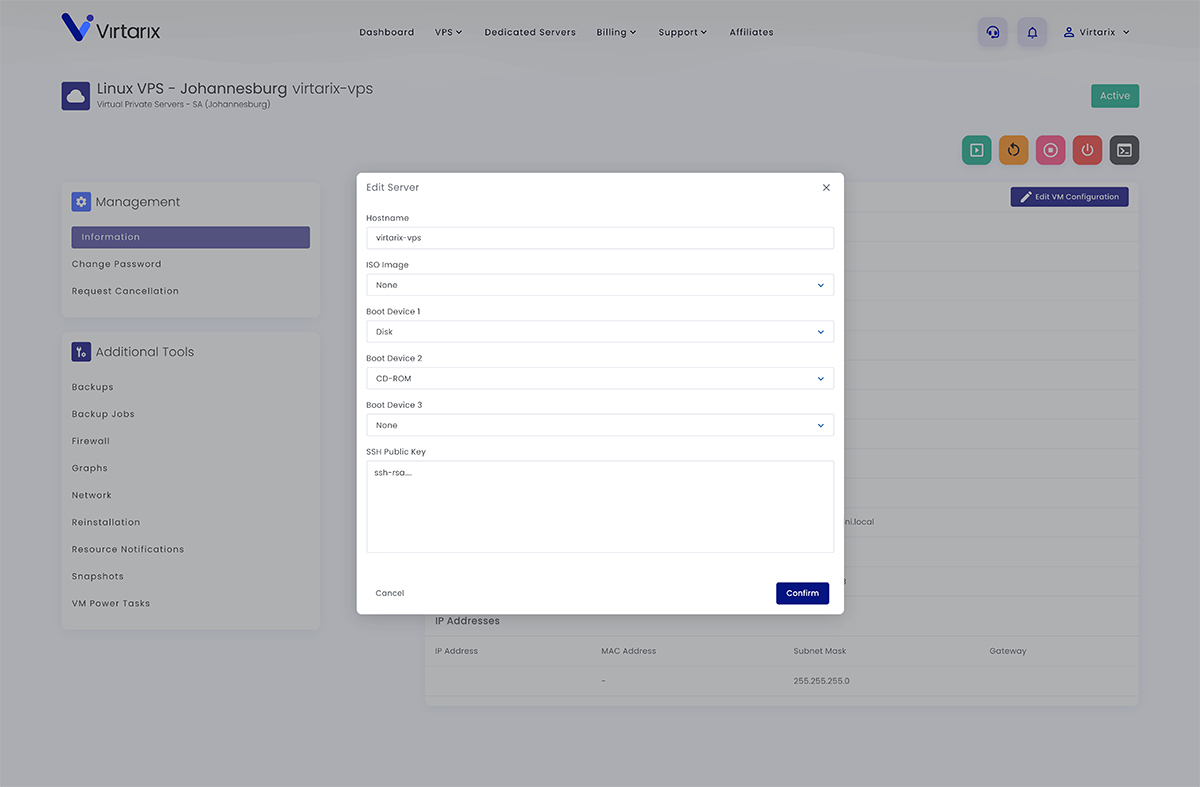
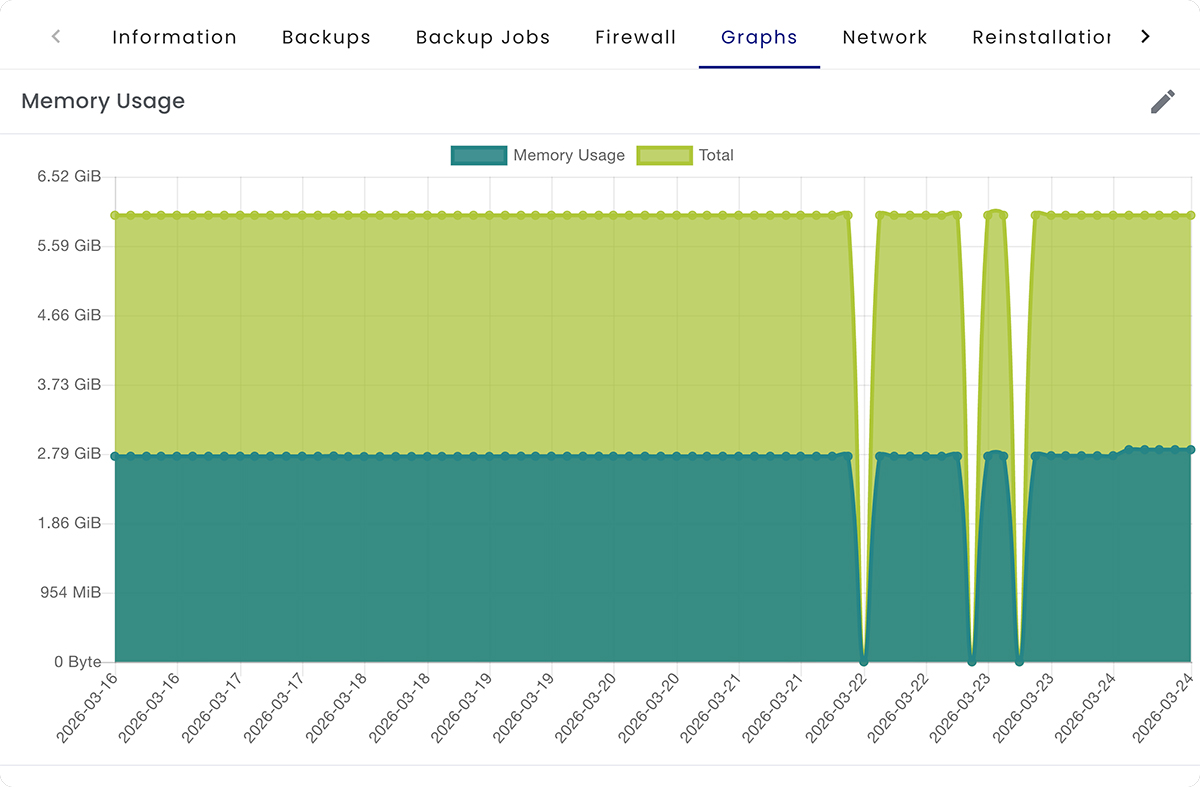
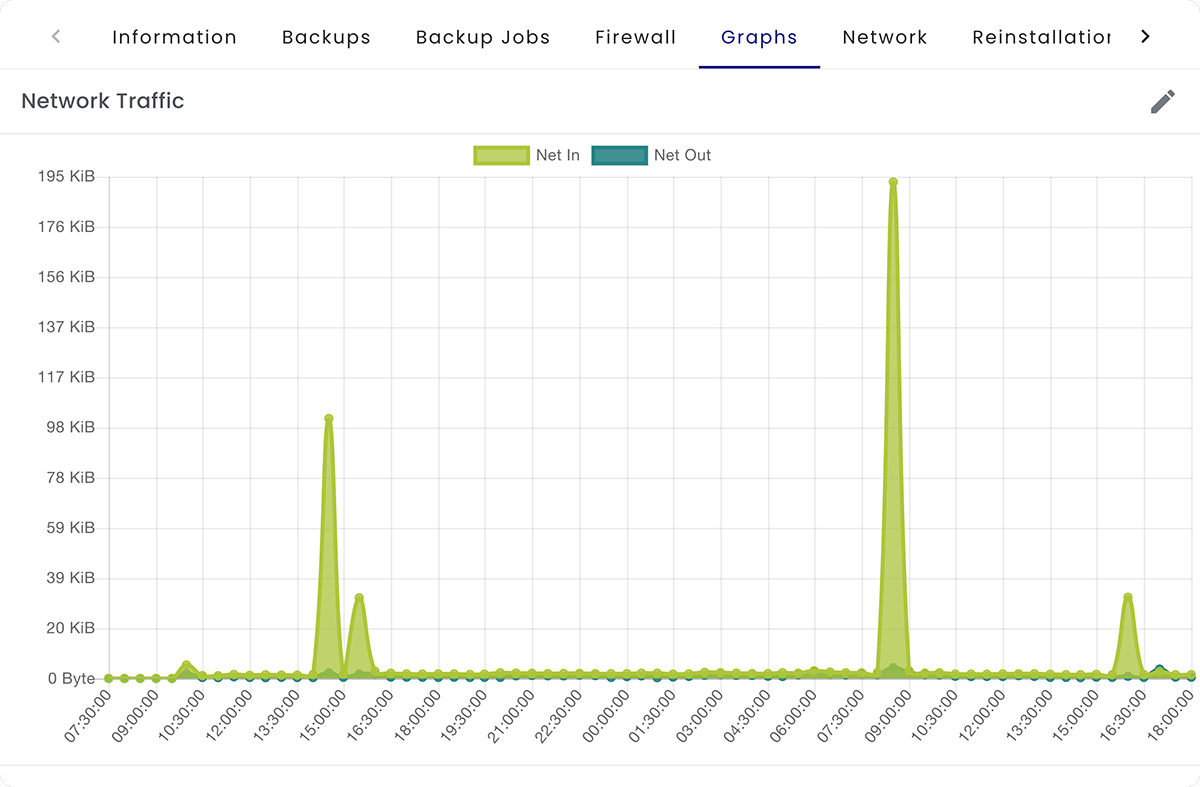
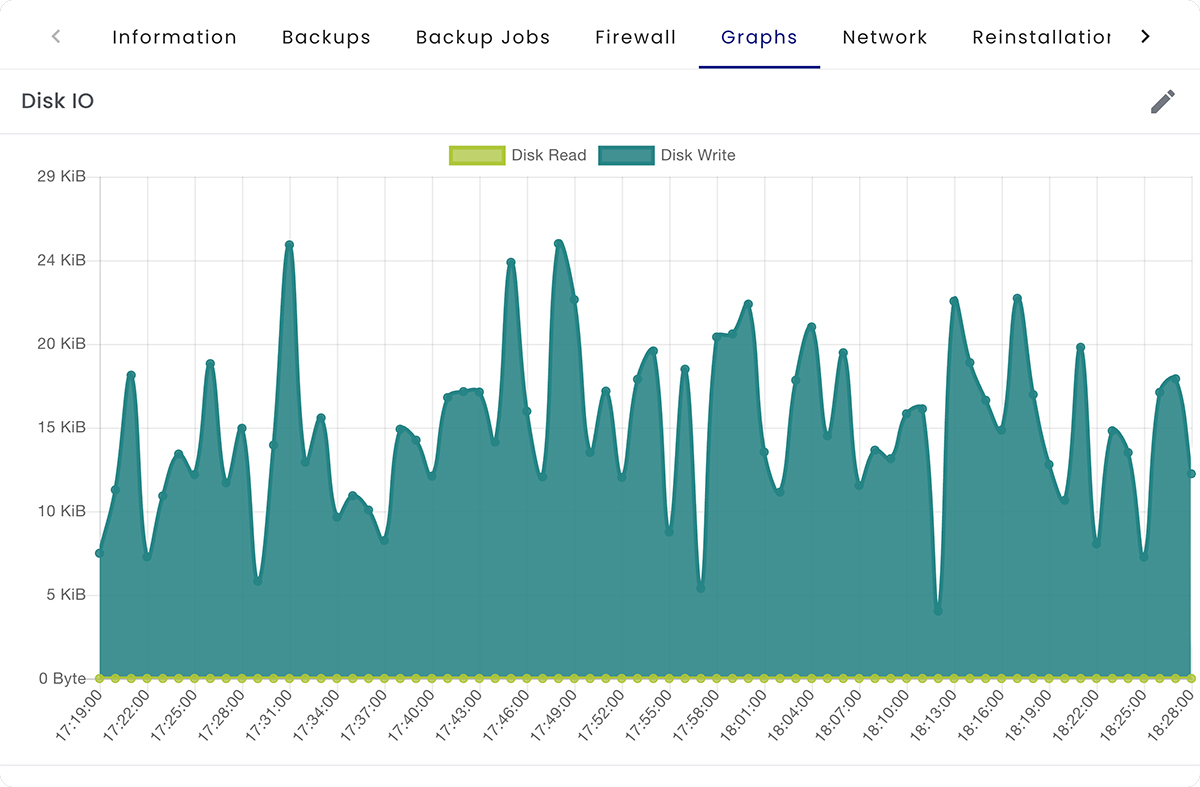
Choose the hosting model that matches the control, administration and resource requirements of your application. Dedicated servers provide exclusive physical hardware when a workload requires the entire host.
| Compare your options | Shared hosting | Managed hosting | Virtarix Website VPS |
|---|---|---|---|
| Server control | Provider-managed stack | Depends on service scope | Full root access to your VPS |
| Resource model | Shared hosting environment | Depends on underlying platform | Allocated vCPU, RAM and NVMe |
| Software choice | Provider-supported applications | Within the supported stack | Compatible Linux web stacks and services |
| Server maintenance | Provider manages the server | Defined tasks handled by provider | You manage the OS and applications |
| Growth path | Upgrade within hosting tiers | Provider-specific plans | Larger VPS tiers or additional servers |
| Best suited to | Straightforward websites | Teams seeking defined operational help | Custom websites, applications, APIs and staging |
Choose a plan and operating system, secure your web stack, then test your website before switching production traffic.
Match CPU, RAM and NVMe to your application, database and concurrency. Select a compatible Linux image and the region nearest your users and connected services.
Set up SSH keys, updates, firewall rules and your application stack. Configure independent backups, connect your domain and enable HTTPS with automatic certificate renewal.
Copy files, databases and configuration, then test pages, forms, jobs, APIs and checkout flows. Synchronize final changes, switch DNS and monitor the cutover.
Contact Virtarix for infrastructure and account support. Our guides cover customer-managed setups.

South Africa
Run business applications, websites and private services in South Africa. Consider Johannesburg when your users and connected services are based in the region.

Germany
Host applications and databases in Germany. Consider Frankfurt when your teams, customers or connected services are based in Europe.

United States
Deploy applications and private services in the United States. Consider Dallas when your workload primarily serves North American users and systems.
Choose Dallas, Frankfurt or Johannesburg for your Website VPS. Select a location around your users, team and data-location requirements.
Automate pre-launch checks via API, manage web servers from your AI editor, or shorten campaign and staging links right inside Virtarix.
Tie server status checks, firewall updates and optional pre-deploy snapshots into your release scripts over HTTP and JSON.
Create an API token in your Virtarix dashboard and store it securely in your CI environment.
Start with a read-only call to confirm your website VPS status and resource tier.
Build supported power actions, firewall tweaks and optional snapshot triggers right into your deployment pipeline.
DEPLOY SCRIPT → VIRTARIX API → YOUR WEB SERVER
Connect Cursor, Claude Code or VS Code to our remote MCP server so you can check uptime and run server actions while editing site code.
See which website VPS instances are running and review their status from your editor.
Trigger supported server power actions quickly when recovering from a stalled deploy.
Trigger optional snapshots, optional backups or firewall updates right before pushing site changes.
Manage your Virtarix account from compatible AI clients using a personal API token. Connect once over remote HTTP MCP, then manage your servers, optional backups, firewall rules and more.
Connect Claude, Cursor, VS Code and other clients that support remote HTTP MCP with Bearer tokens.
Generate a personal Bearer token in your Virtarix Client Area under API Access.
Use our hosted MCP endpoint with no local MCP server to install or maintain.
Turn long UTM URLs, staging previews or landing pages into clean, trackable short links for free in your Virtarix account.
Brand your redirects with virtarix.link, virtarix.cloud or virtarix.app.
Create instant redirects for public HTTP and HTTPS site URLs and campaign pages.
Update target pages anytime and review recorded redirect visits from one dashboard.
Customer experiences with our hosting, setup and support.
Answers about web stacks, WordPress, sizing, root access, migration and self-managed responsibilities.
Cloud VPS website hosting runs your website or web application inside an isolated virtual server with allocated CPU, RAM, storage and operating-system control. It provides substantially more configuration freedom than a conventional shared-hosting account.
A VPS is usually a better fit when the site needs root access, custom server software, stronger resource isolation, application workers, advanced caching, private services or more predictable capacity. Shared hosting remains simpler when you do not need server-level control.
Yes. A compatible Linux VPS can run WordPress and WooCommerce with your chosen PHP version, database, web server, caching layer and SSL configuration. You are responsible for maintaining the operating system and application stack on a self-managed VPS.
Yes, provided the selected operating system and server resources meet the application requirements. A self-managed VPS can run PHP/Laravel, Node.js, Python services, APIs, workers and supporting databases on a stack you control.
The practical limit depends on CPU, RAM, NVMe storage, database load and traffic. Size the plan for the combined workload of your sites. Heavier applications may need a larger plan or separate servers, and any control-panel licensing limits apply separately.
Ubuntu, Debian and AlmaLinux are common choices for Linux web servers. Choose the distribution that best matches your application stack, administration experience, software-support requirements and maintenance policy.
There is no universal RAM requirement. Memory usage depends on the web server, application runtime, database, cache, concurrent processes and traffic. Measure actual utilization and leave headroom rather than sizing a production server only from page-view estimates.
Virtarix publishes progressively larger VPS tiers with more CPU, RAM and NVMe storage. Choose a starting plan based on the current workload and move to a larger tier when monitoring shows sustained resource pressure.
Yes. Current Virtarix VPS plan pages advertise full root access, allowing administrators to configure the operating system, packages, web server and supporting services.
No. Backups and snapshots are optional add-ons; neither is included. A snapshot provides a restore point before a major change. Maintain an independent recovery copy, define retention and test restores for production data.
Choose the location closest to the users and systems that interact with your application, then test real network latency before moving production traffic. Virtarix currently lists Dallas, Frankfurt and Johannesburg as live VPS locations.
Prepare and secure the new VPS first, copy the application and database, test the site using a temporary hostname or local DNS override, lower DNS TTL before cutover, synchronize final changes, switch DNS, and monitor both the old and new environments during propagation.
WEBSITE VPS
Choose resources for your CMS, website or web application. Keep control of the web server, database and software behind your site.
Wählen Sie, was Virtarix laden darf
Erforderliche Speicherung wird für Währung, Einwilligung und anonyme First-Party-Analytics-Sitzungskontinuität verwendet. Optionale Tools laden nur nach Zustimmung. Widerruf jederzeit über den Footer-Link „Cookie-Einstellungen“.
Optionale Dienste
Erforderlichvtx_geo Währung · vx_cookie_consent Auswahl
First-Party-Session-Analytics_vx_sid _vx_last_activity _vx_last_leave _vx_last_url _vx_blog_entry
Virtarix-Verhaltensanalyse_vx_* sessionStorage · serverseitige First-Party-Verhaltensereignisse · Sitzungsaufzeichnungen, wenn aktiviert
Tawk.to (wenn erlaubt)Live-Chat-Besucher-/Sitzungs-Cookies
EinwilligungsnachweisStatus (accepted/denied/custom), Zeitstempel, ID, Banner-Version