 Deutsch

This guide provides a step-by-step process for installing Docker Engine on an AlmaLinux or CentOS VPS. Ensure you have SSH access and root-level privileges before starting. The commands follow Docker's current official CentOS repository method. Docker lists maintained CentOS Stream releases as supported; for AlmaLinux, confirm that your release is compatible with the CentOS repository method before using it on a production server.
Step 1: update the system
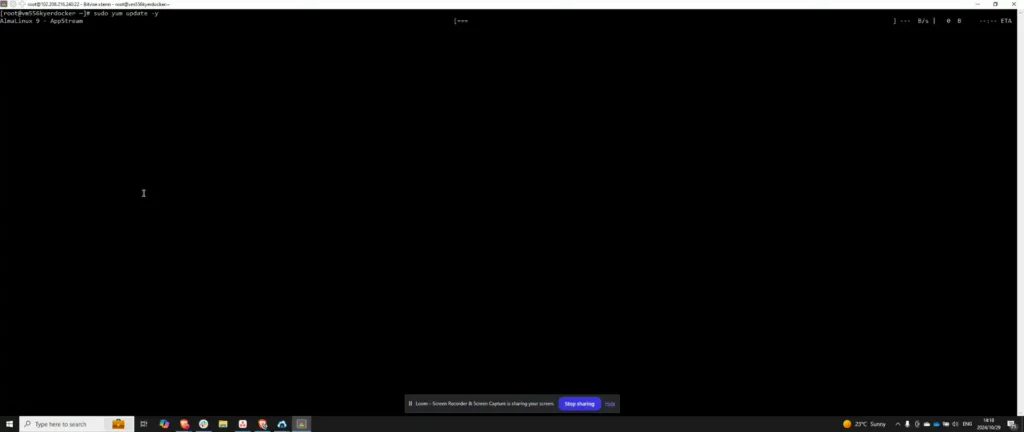
Begin by updating your system. Once you have accessed your VPS via SSH, run:
sudo dnf upgrade -y
Step 2: verify and install required packages
Install dnf-plugins-core, which supplies the dnf config-manager command used by Docker's current CentOS instructions:
sudo dnf -y install dnf-plugins-coreStep 3: add Docker repository
Add Docker's official CentOS RPM repository with the complete command from the Docker Engine documentation:
sudo dnf config-manager --add-repo https://download.docker.com/linux/centos/docker-ce.repo
Step 4: install and start Docker
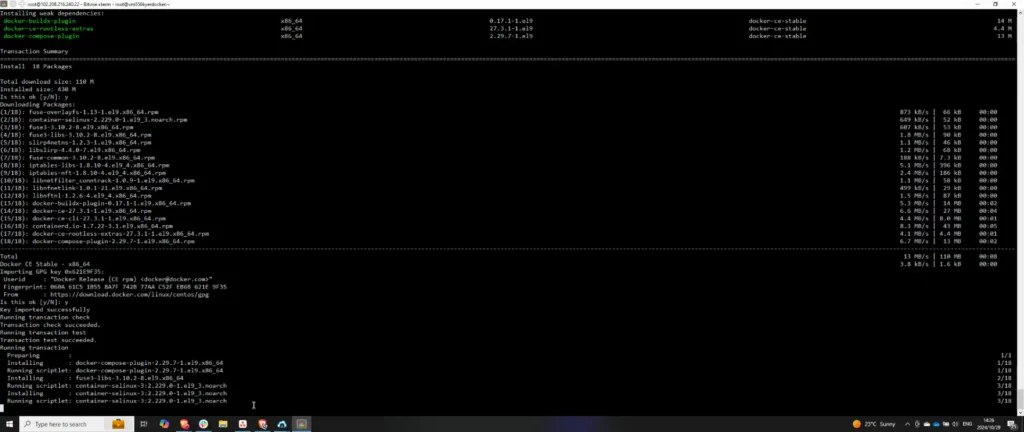
Install Docker Engine, the CLI, containerd, Buildx, and the Compose plugin:
sudo dnf install docker-ce docker-ce-cli containerd.io docker-buildx-plugin docker-compose-pluginIf DNF asks you to accept Docker's GPG key, compare the displayed fingerprint with the current fingerprint in the official Docker CentOS installation guide before accepting it. Then enable and start Docker and inspect the service state:
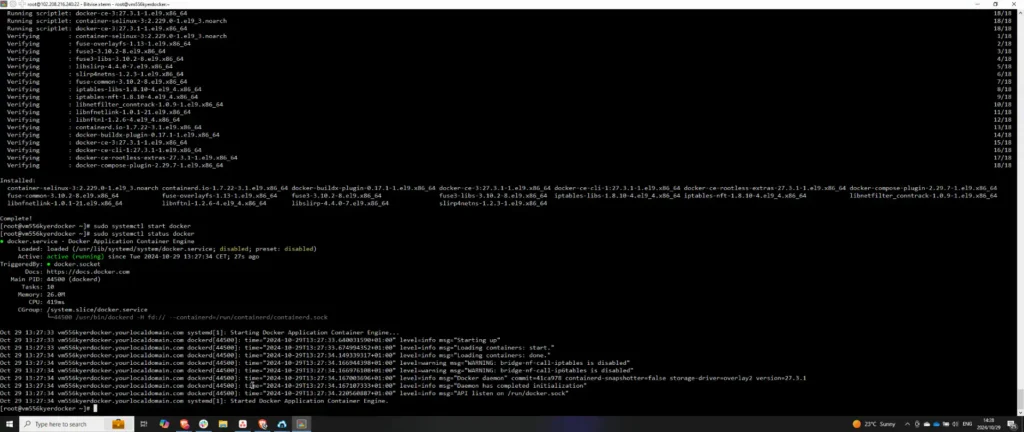
sudo systemctl enable --now docker
sudo systemctl status docker --no-pager
Step 5: test and verify Docker
Run the official test image once:
sudo docker run hello-worldDocker downloads the test image, starts a container, prints a confirmation message, and exits. A successful message confirms this installation test; it does not validate your future images, networks, volumes, firewall rules, or application configuration.
Start with the API reference.
Frequently asked questions
What should I do if the Docker service fails to start?
If the Docker service fails to start, first check the status with sudo systemctl status docker --no-pager and review the service logs with sudo journalctl -u docker --no-pager. Correct the reported configuration, storage, dependency, or permission problem before retrying. After making a correction, restart the service with sudo systemctl restart docker and inspect its status again.
How do I add a specific version of Docker to my system?
List the versions available from the configured repository with dnf list docker-ce --showduplicates | sort -r. Then replace VERSION_STRING with the complete version string from that output and run sudo dnf install docker-ce-VERSION_STRING docker-ce-cli-VERSION_STRING containerd.io docker-buildx-plugin docker-compose-plugin.
Can I use Docker without root privileges?
Adding a user to the docker group removes the need to type sudo, but it does not create an unprivileged security boundary. Docker's documentation warns that membership in this group grants root-level privileges through control of the root-owned Docker daemon. Add only trusted administrators, and log out and back in after changing membership.
If you need the daemon and containers themselves to run without root privileges, use Docker Rootless mode and follow its prerequisites and limitations. Rootless mode is different from granting access to the normal root-owned daemon through the docker group.
How can I completely remove Docker from my system?
To uninstall the packages installed by this guide, run sudo dnf remove docker-ce docker-ce-cli containerd.io docker-buildx-plugin docker-compose-plugin docker-ce-rootless-extras. Docker does not automatically remove images, containers, volumes, or custom configuration. Treat any separate deletion of /var/lib/docker, /var/lib/containerd, or configuration files as a destructive cleanup step: verify the exact host and preserve any data you need before removing it.



