Deutsch

Remote Desktop Teams
Access a full Windows desktop from anywhere. Run Office suites, accounting software, CRMs, or any Windows application as though you’re sitting in front of a local machine - without maintaining physical hardware.
Deploy a Windows VPS with the Windows Server license included, full RDP access, NVMe SSD storage, and 99.99% uptime SLA. Launch in minutes from the US Dallas data center, then scale CPU and RAM when your workload grows.
from $10 .80 /month





Start with the plan that fits what you actually need today, then scale when your workload grows.
For small RDP apps and admin tasks
For teams, tools and everyday RDP
For busy Windows apps and databases
For large RDP workloads and services
For heavy Windows apps and teams
List of what you can run on a Virtarix Windows VPS: Remote Desktop workspaces, .NET apps, IIS websites, SQL Server, Active Directory, business software, trading tools, and private Windows services with dedicated CPU and RAM.
Access a full Windows desktop from anywhere. Run Office suites, accounting software, CRMs, or any Windows application as though you’re sitting in front of a local machine - without maintaining physical hardware.
Deploy .NET Framework, .NET Core, and ASP.NET applications on IIS with full Visual Studio compatibility. Push code, manage builds, and debug remotely with native Windows tool-chains.
QuickBooks, Sage, custom ERP, Access databases - applications that only run on Windows deploy without compatibility workarounds. RDP in and work as if you’re on a local machine.
Run SQL Server Express, Standard, or Enterprise on NVMe storage with dedicated CPU and RAM. No shared-server throttling, no connection pooling limits imposed by the hosting platform.
MetaTrader 4, MetaTrader 5, cTrader, and custom EAs run 24/7 on a server that doesn’t sleep, reboot overnight, or share CPU with other tenants. Low-latency connectivity to financial data feeds.
Manage Active Directory, DNS, DHCP, Group Policy, and other Windows Server roles in a fully isolated environment. Test configurations, run staging environments, or host production services.
Spin up isolated Windows environments for browser testing, software compatibility checks, and automated test suites. Deploy Windows Server 2016, 2019, or 2022 on demand - tear down and rebuild in minutes.
Full RDP access. NVMe speed. DDoS protection. One snapshot included. Scaling on demand.
Log in to a full Windows desktop the moment your server is ready. Run GUI applications, manage services, install software through the familiar Windows interface - from any device, anywhere.
Your CPU cores and RAM are reserved exclusively for your instance. No over-subscription, no throttling under load, no performance variance caused by other tenants on the same node.
All Windows VPS plans run on enterprise NVMe arrays. Database queries return faster. Applications load without delay. Boot times drop to seconds, not minutes.
Network-level DDoS mitigation runs 24/7 at no extra cost. Volumetric and protocol attacks are filtered before they reach your instance. No add-on required.
Take a full snapshot of your server at any time from the control panel. Restore your entire instance or roll back a specific change in seconds: no scripting or third-party tools needed.
Upgrade CPU, RAM, and storage through the control panel with no downtime and no data migration. Your instance stays live and accessible throughout the process.
Backed by a 99.99% uptime SLA across all live data centre locations.
Shared hosting can’t run Windows applications. Bare-metal costs thousands upfront. A Windows VPS gives you the control of dedicated hardware at the price of shared - with the flexibility to scale on demand.
| Feature | Shared Hosting | Bare-Metal Server | Windows VPS (Virtarix) |
|---|---|---|---|
|
Full RDP access
|
No desktop access. |
Yes, if self-managed. |
Yes - full desktop. |
|
Windows licence included
|
Not available. |
Separate purchase. |
Included base OS image. |
|
NVMe storage
|
Shared SATA/SSD. |
Depends on config. |
All-NVMe, every plan. |
|
DDoS protection
|
Basic or none. |
Often extra cost. |
Always on, included. |
|
Scale on demand
|
Plan change only. |
Hardware swap. |
Instant, no downtime. |
|
Provisioning time
|
Minutes. |
Hours to days. |
Under 5 minutes. |
|
Entry price
|
From ~$5/mo (no Windows). |
From ~$100/mo+. |
From $13.50/mo. |
Your Windows VPS ships with a Windows Server OS. Install any compatible software through RDP - everything below runs natively.
 Windows
 IIS
IIS
 ASP.NET / .NET Core
 SQL Server
 RDP
RDP
 MetaTrader 4 / MT5
 PHP (via IIS)
 Python
 Node.js
 MySQL / MariaDB
 FileZilla Server
 Windows Admin Center
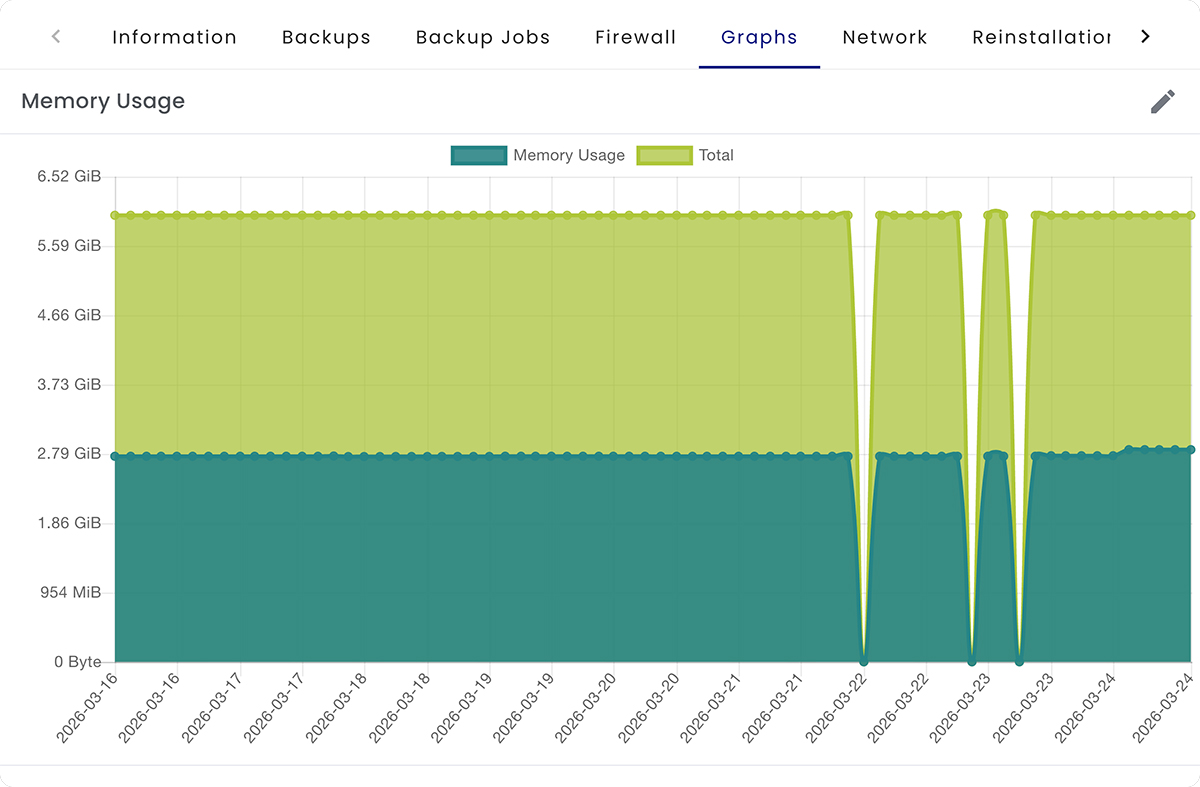
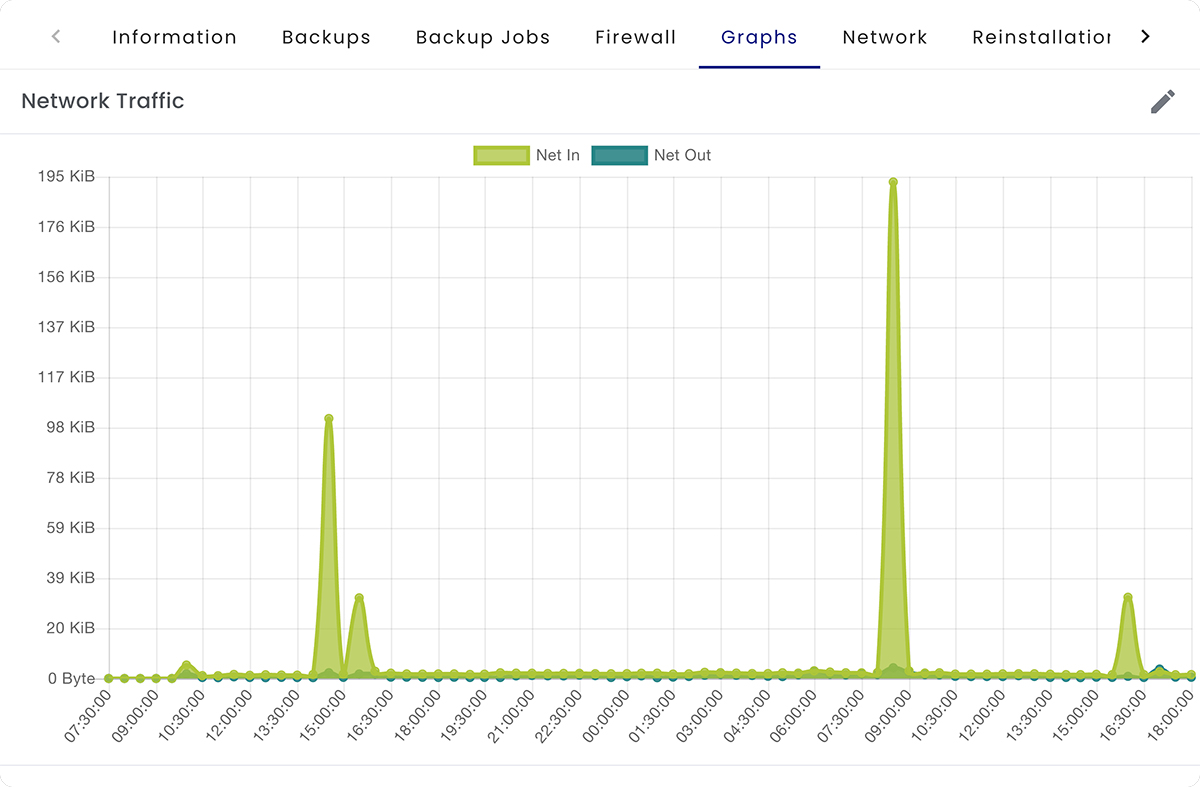
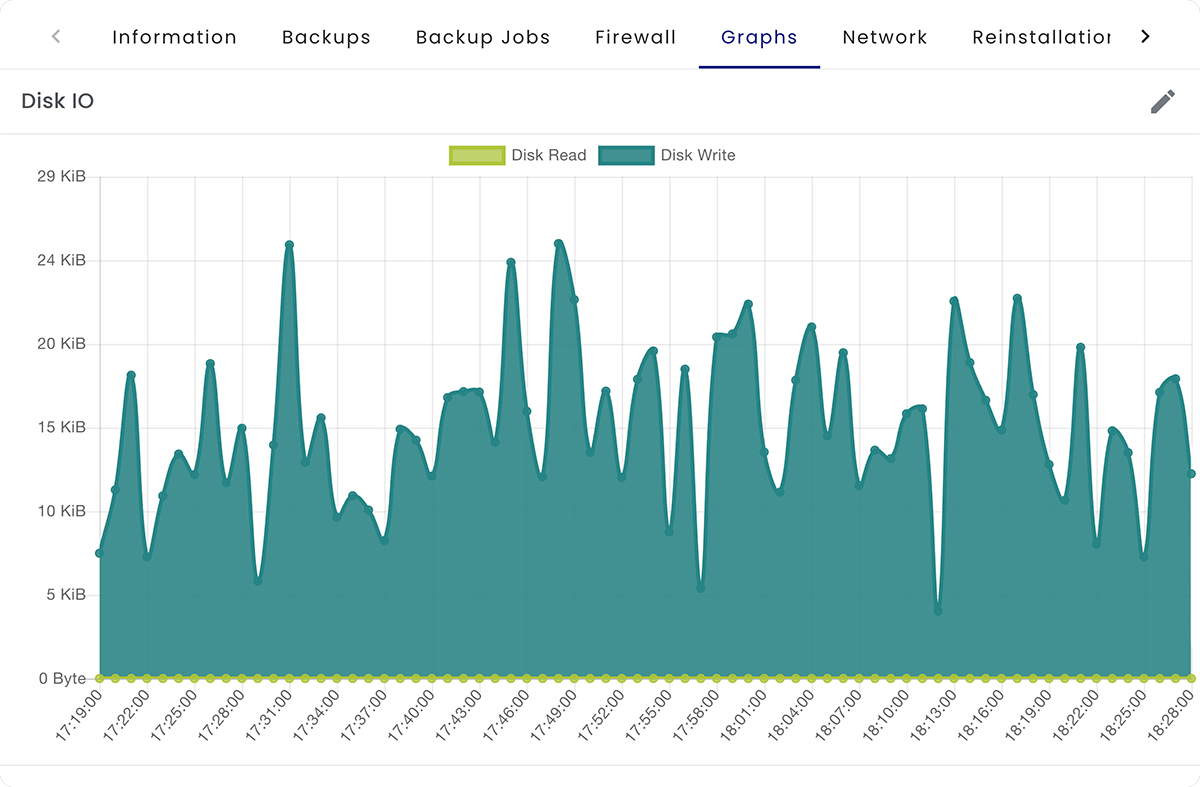
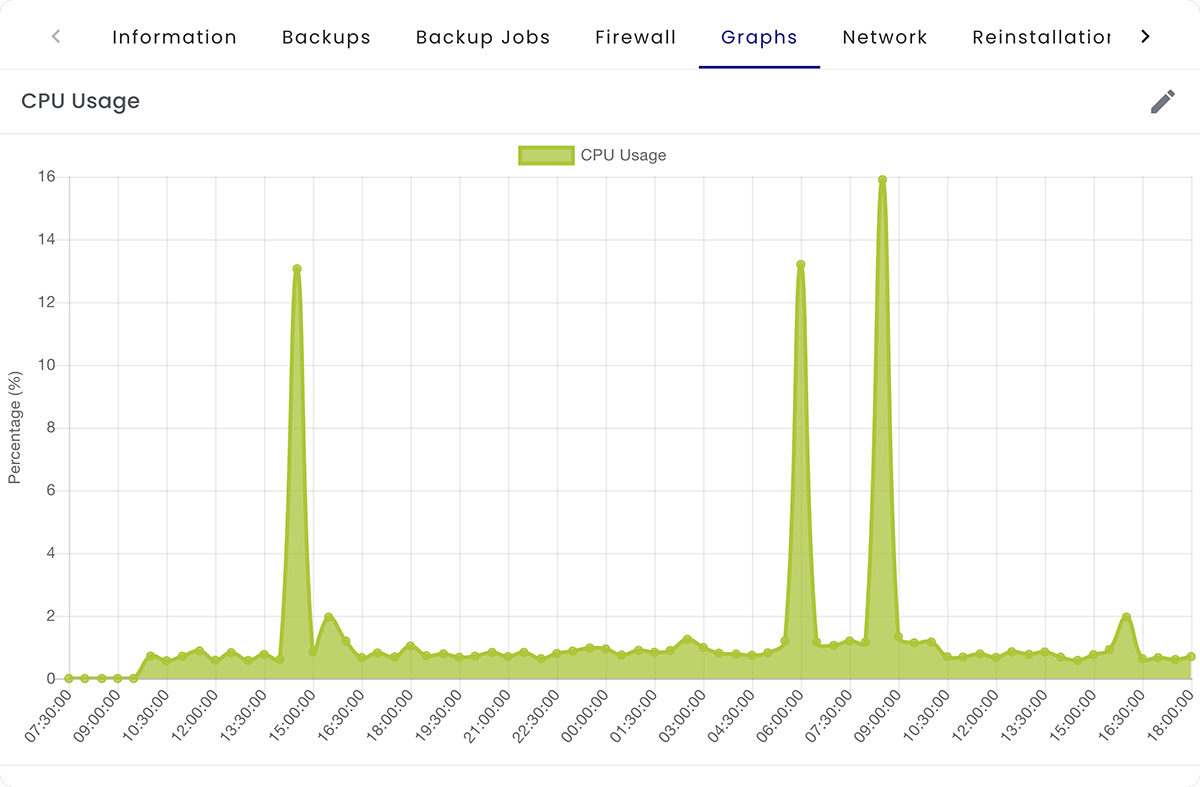
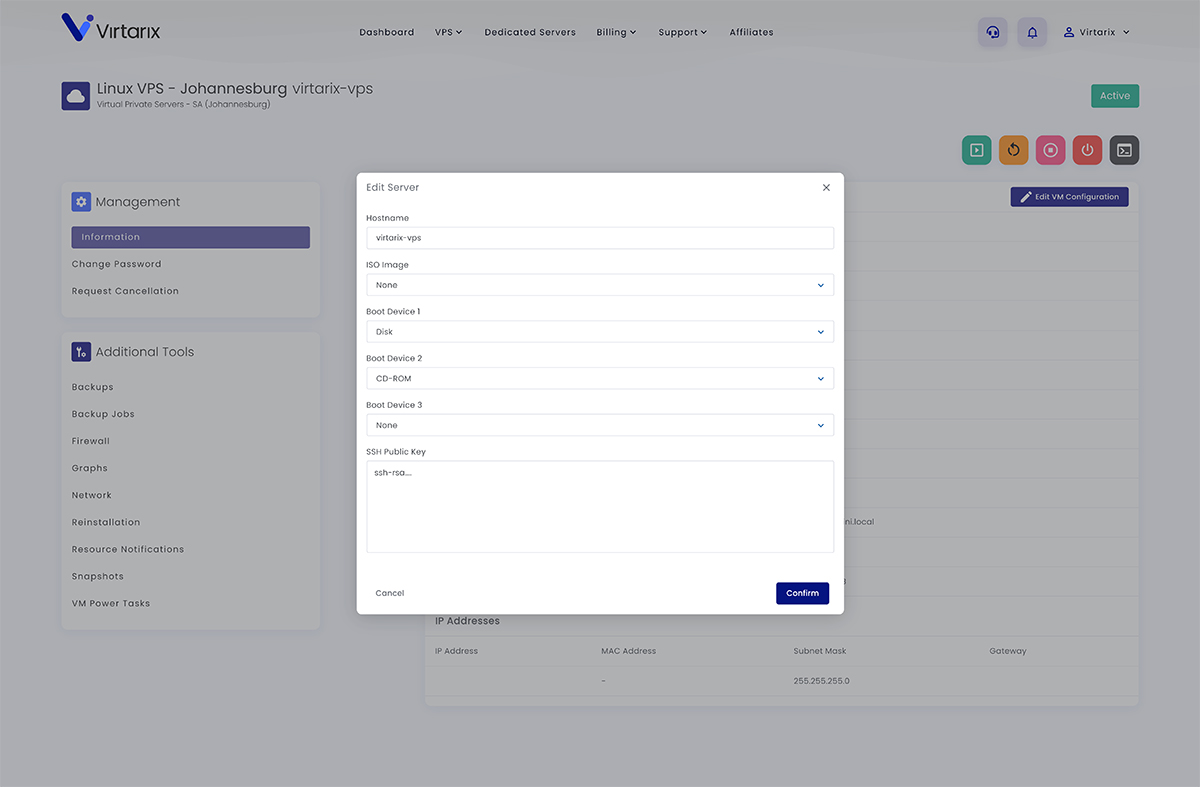
Manage your Windows VPS through an intuitive control panel. Monitor CPU, RAM, bandwidth, and disk usage in real time - scale resources instantly when performance demands it.

Shared hosting doesn’t support Windows. Consumer desktops aren’t built for 24/7 uptime. You need a dedicated Windows server that’s actually designed for production workloads.
Most shared hosting plans run Linux only. Even “Windows hosting” plans lock you into a web-only control panel with no RDP, no admin rights, and no ability to install custom software. Bare-metal servers cost $100+/month before you even buy a Windows licence. A Virtarix Windows VPS starts at $13.50/mo with the Windows Server licence included for the base OS image, full Administrator access via RDP, NVMe storage, 1 included snapshot, and DDoS protection included. Deploy in minutes, scale instantly, and run the software you need without permission from a hosting provider.
No waiting on provisioning queues. Pick a plan, choose your Windows version, and connect via RDP in minutes.
Select the CPU, RAM, and storage tier that matches your workload. Upgrade instantly later - no need to over-provision.
Pick from the Windows Server images offered during provisioning. The Windows Server licence is included for the base OS image, so you do not need to bring your own Windows Server licence for standard deployment.
Your server IP, Administrator username, and password arrive by email within 5 minutes of provisioning.
Connect via Remote Desktop, install your software, configure your services, and go live. Full admin control from day one.
Every plan includes a RDP access, DDoS protection, and unlimited bandwidth.

Virtarix

UltaHost

Vultr

Kamatera

RackNerd
Virtarix
UltaHost
Vultr
Kamatera
Virtarix
UltaHost
Kamatera
Virtarix
UltaHost
Virtarix
Full RDP access. NVMe storage. DDoS protection. Deploy in under 5 minutes - from $13.50/mo. Use code WELCOME20 to save 20% on your first 3 months.

First of all, I had a few questions before subscribing. Within a few minutes I received feedback. I subscribed because of quality support and then was further surprised by the VPS speed. I highly recommend Virtarix. No more worries! Everything just works great!!
Virtarix is exceptionally cheap, easy-to-use, and quick to get started with. Would highly recommend!
Quick setup of VPS. Respect of privacy. Good communication for invoicing. Affordable pricing.
Start with the plan that fits what you actually need today, then scale when your workload grows.
For small RDP apps and admin tasks
For teams, tools and everyday RDP
For busy Windows apps and databases
For large RDP workloads and services
For heavy Windows apps and teams